
At A Glance
- Define key structural inputs before design begins
- Evaluate wind loads, seismic conditions, and reinforcement requirements
- Identify code-driven adjustments early in the process
- Centralize wall and lintel design considerations
- Reduce time spent navigating documents and reference tables
Move from structural planning to wall layout with greater clarity
Every Element ICF project begins with structural decisions.
Reinforcement.
Wind loads.
Wall conditions.
Lintel design.
These factors determine how loads move through the structure and how ICF walls must be designed.
Traditionally, evaluating these conditions involves working through construction documents, engineering references, and code tables. While these resources are essential, the process can take time and may require switching between multiple sources.
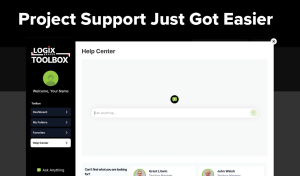
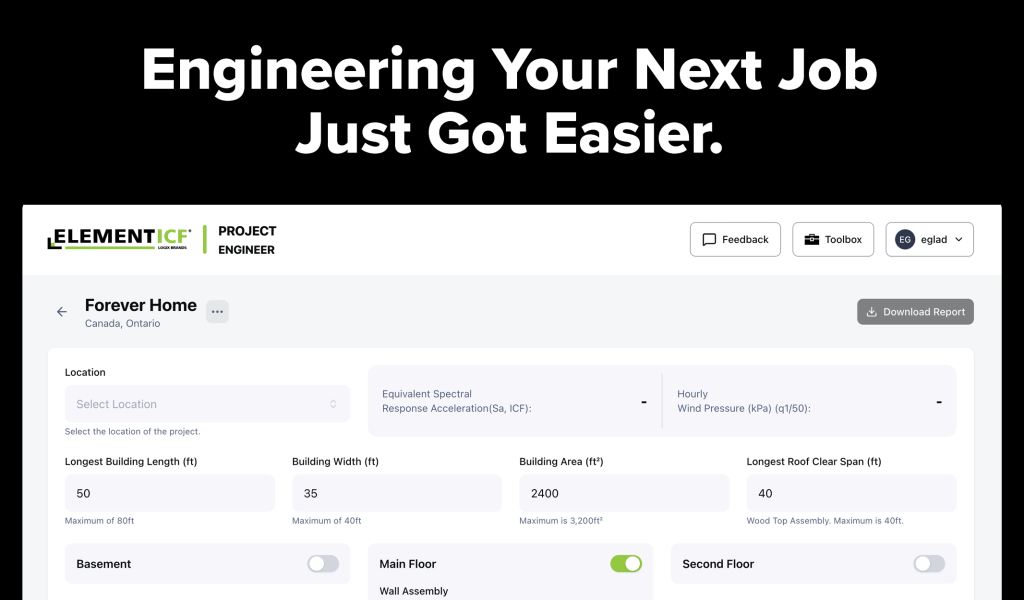
The Project Engineer tool inside the Logix Brands Toolbox helps simplify this stage of project planning.
Design with Confidence From the Start.
Watch Project Engineer tutorials in the Toolbox Help Center and streamline your planning process.
Establishing the Right Design Conditions
Every building must be designed to resist the environmental forces acting on it.
Project Engineer helps organize critical structural inputs such as:
- Seismic design category
- Wind loads
- Reinforcing steel strength
- Building configuration
- Wall and lintel conditions
By defining these parameters early in the planning process, the tool helps builders and designers establish the structural conditions that the wall system must meet.
Supporting Code-Aligned Design
Construction professionals rely on building codes and engineering standards to ensure structures perform safely.
Project Engineer helps support this process by checking project inputs against established design limits. When certain conditions require specific reinforcement or structural adjustments, those requirements are clearly identified.
This helps teams confirm their designs align with code expectations before moving forward.
Creating a Clear Foundation for Wall Design
When structural conditions are organized early, evaluating wall layouts becomes much more efficient.
Project Engineer provides a centralized place to review project parameters before moving forward with wall configurations, reinforcement planning, and estimating.
By simplifying this stage of planning, the tool helps teams move from design evaluation to construction planning with greater clarity.
Part of the Logix Brands Toolbox
Project Engineer is one of the core tools available inside the Logix Brands Toolbox—your personal workspace for estimating, engineering, and project support.
Together with Project Estimator and integrated support resources, it helps construction professionals plan Element ICF projects faster and more efficiently.
Looking for an overview?
🔗 Introducing the Logix Brands Toolbox
Continue Exploring the Toolbox: